(continued from RM Monitor Administration)
RM Monitor allows for a virtually unlimited amount of users to access available chain/restaurant data. Using the options under the Manage User tab allows you to add or delete users and change login in names and passwords.
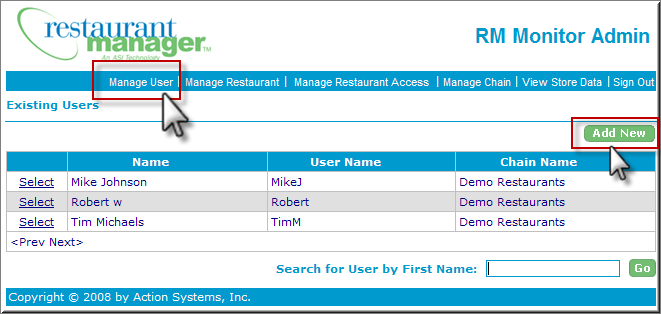
To make these changes you will need to select the Manager User tab on the RM Monitor Admin page. Use the “Add New” button when adding a new user for the first time.
Within the Add New User Window you must fill in all the fields including:
If you are seeking to change a user’s information you can employ either of the following methods to find and select an employee:
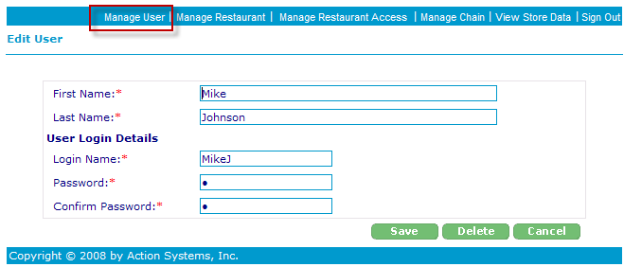
Within the Edit User window you may change the information on any of the fields and the click on save.
Use the delete option within the Edit User window if you are deleting an employee. After selecting this option you will receive a confirmation prompt. When complete you will receive a statement “The user has been deleted successfully”.
You must return to the “Manage User” tab to return to the user list if editing several employees at once.